
In the last years, I’ve increasingly felt anxious about my dependence on a few big U.S. tech giants. I waited too long, but finally pulled myself together and did it!
What I did: moved my personal data over to European servers. And made sure no private information about me is sent to American servers anymore. It took me a year altogether… But it feels good.!
I hope to help some people by sharing the steps I took and the mistakes I made. And of course I’m very happy to help anyone, or answer any questions via bart@ordoabchao.eu.

First, what really made me move my ass
Bloomberg, NYT, Washington Post reported on how the U.S. Department of Homeland Security has been demanding user data from tech companies about critics of the administration, like Anti-ICE-accounts.
But, this is not just an American issue. U.S. surveillance laws (FISA, the Cloud Act, Executive Order 12333) can compel American companies to hand over data, even when the data belongs to non-U.S. citizens or when data is stored outside the United States.
EU Law (GDPR): The GDPR generally prohibits companies from transferring EU citizen data to third countries (like the U.S.). But what happens when a U.S. company receives a warrant? Obeying the U.S.U.S. warrant violates the GDPR, while obeying EU law could lead to fines or criminal charges in the US.
In February 2026, reports from The Guardian, The New York Times, and others confirmed that ICC judges and their families had their Google accounts, credit cards, and Amazon accounts cancelled following U.S. sanctions imposed by the Trump administration.
I’m not an ICC judge, but in any case: no more excuses. Time to leave.
For now: only personal data
The companies I run (Ordo ab Chao & DeskGuru) are highly dependent on Google. We use Google Workspace for email, spreadsheets, and documents. Also, I use AI extensively to automate stuff for ourselves & clients.
I’ve experimented with European Cloud platforms like NextCloud and Proton Office and also tried working offline with Open Office & LibreOffice. I’ve moved most company data & my work email to Proton, but I ran into too many problems to turn away from big tech completely.
So for now I’ve only stopped my personal use of online big tech services and US servers in this project.
So how to separate work & personal online life?
As most of my online life takes place in a browser, it’s easy! In my browser (Brave), I use various profiles. Work profiles have access to our business Google accounts and not to any personal services. So even if I was tempted to, I can’t do much there. The Brave profile(s) I use for personal stuff don’t have any Google access (and have extra privacy options turned on).
Mobile versions of browsers don’t use profiles, so on my mobile I have disconnected all Google accounts and removed most apps. A big advantage: I don’t use my mobile as often as I did.
Step 1: Realise it’s not going to be perfect
The Meta, Google & Microsoft user experience is superior in many ways. If you switch to much-less-funded alternatives, you won’t be able to do everything you were able to do on the dark side as well and efficiently.
I often had the reflex to switch back to Google and really had to stop myself.
It was important for me to realise that I had to be prepared to suffer a little bit, and spend a bit more time for now on workarounds (until the European alternatives catch up). Remember why you’re doing this!
Step 2: Stop using Google
Replace Gmail with Proton
95% of my personal emails were sent via Gmail. The first thing I did, was to get a Proton account and email address.
Proton is a Swiss company, with servers in Switzerland. There are alternatives (like Tuta), but they’re widely seen as the main alternative for privacy-focused, end-to-end encrypted email.
An email address is free forever (with limited storage). If you join via this link, you can try all features and get US$20 off (and I get a bonus too).
The easy part is signing up for Proton or another secure email provider. Proton also has an “Easy Switch” option, which forwards all Gmail email without Google knowing where it’s going. I also set up an Out of Office’ auto-reply with information about my new email addresses.
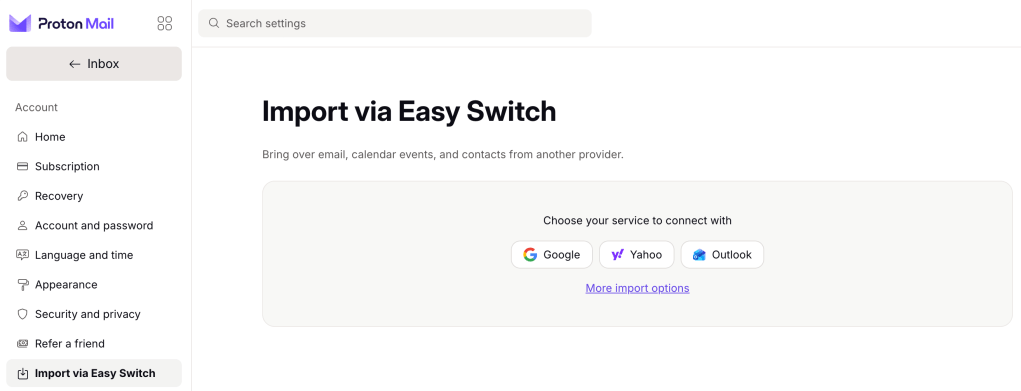
What really takes a lot of time is changing your email address everywhere. I set up a folder where all emails forwarded from Gmail end up. Once a week, I take 15 minutes to update my email address at online services that sent me an email to Gmail.
Bonus tip: use an alias email address for newsletters or websites you rarely use.
Remove Google Drive
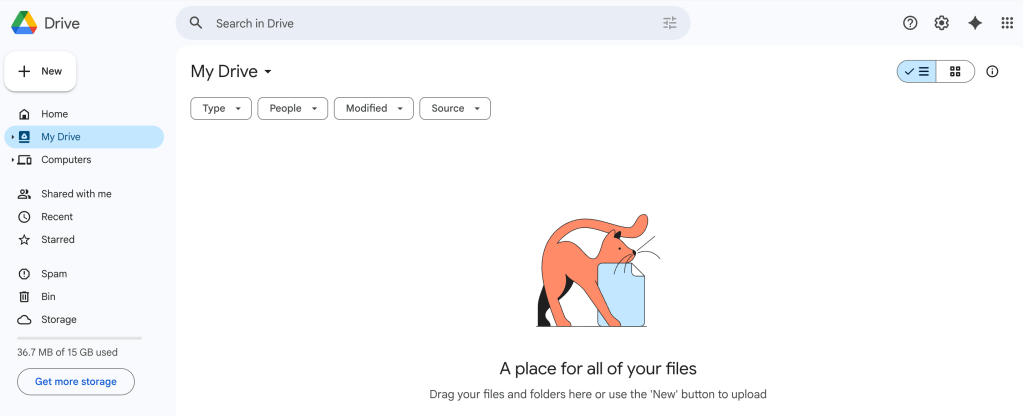
All my pictures and documents (including all digital pics I took since the 1990s and tax & medical document 😬) were stored at Google Servers.
As part of my Proton account, I now have access to 2TB of secure storage protected by strict Swiss privacy laws, which are outside of U.S. and U.K. jurisdiction.
I moved all my data there. This took me 5 minutes to start (and a few hours of waiting). Easy peasy!
Stop Googling 😱
Google really is vastly superior when it comes to searching. I’ve tried many alternatives that sucked (DuckDuckGo was an exception).
The good news: you can (kind of) keep using Google by using Startpage – built in The Netherlands. They have good apps & extensions.
How it work: when you search on Startpage, they take your query, strip out identifying information (your IP, cookies, user agent, etc.), and submit it to Google on your behalf from their own servers. Google returns results to Startpage, and Startpage shows them to you. Google sees “a query came from Startpage’s servers” but not who you are. Sounds good to me.
Stop using Google Maps
This was the most difficult step for me and the one I took last. As someone who always gets lost – even in my own neighborhood a few streets away – I experience FOLWGM (Fear of Living Without Google Maps).
Google Maps is superior, especially because it has indexed almost all important spots in the world. I have been saving “Want to go” places all over the world for many years and I currently have 1652 of them…
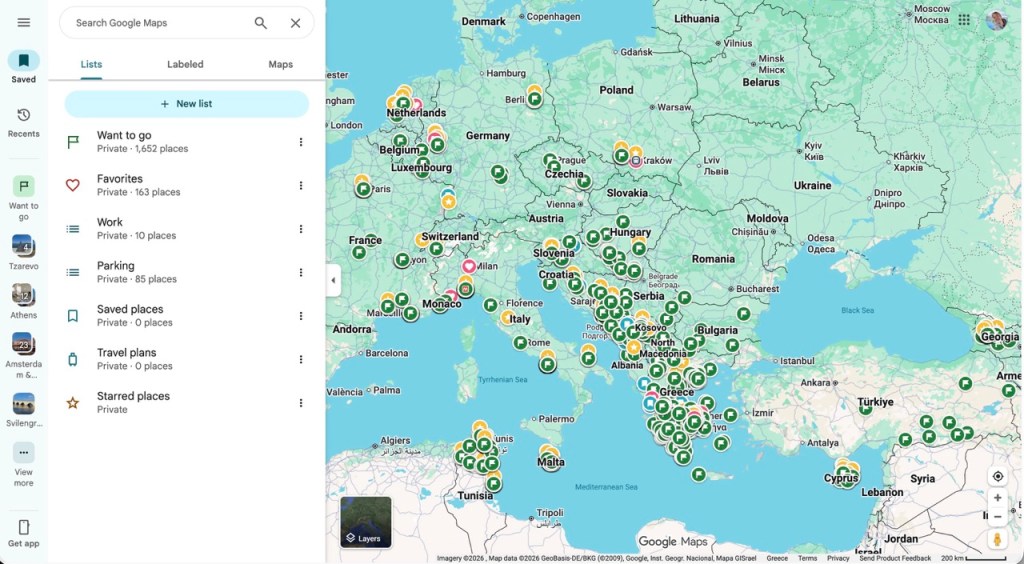
After testing other services (I don’t like Apple Maps) I’ve decided on OsmAnd Maps, a very cool open source project with “zero data shared” privacy. Their free plan is good if you stay in one country, but I’m paying for (amongst many others) unlimited offline maps & navigation (Apple CarPlay).
The fact that it works 100% offline is a huge bonus, but the downside is that many locations can’t be found. Whenever I get frustrated I try to stay calm by revisiting step 1 (“Realise it’s not going to be perfect”)
Step 3: Quit Meta
Remove Facebook & Messenger
I was an early adopter of Facebook and I enjoyed it tremendously. I was definitely a addicted – checking my feed on a daily basis. But in the last few years I’ve increasingly started feeling weird about reading intimate news from people that I once knew but no longer meet in person.
Fewer and fewer people were posting too. The only reason I kept my Facebook profile is the one I hear very often around me: if I quit Facebook I will lose contact with many people, as they don’t have my phone number or email. As my network consisted mostly of people abroad, it was a strong argument I thought.
But six months ago I quit, and I haven’t felt the urge to contact anyone I “lost touch with”. People can find me online easily if they want.
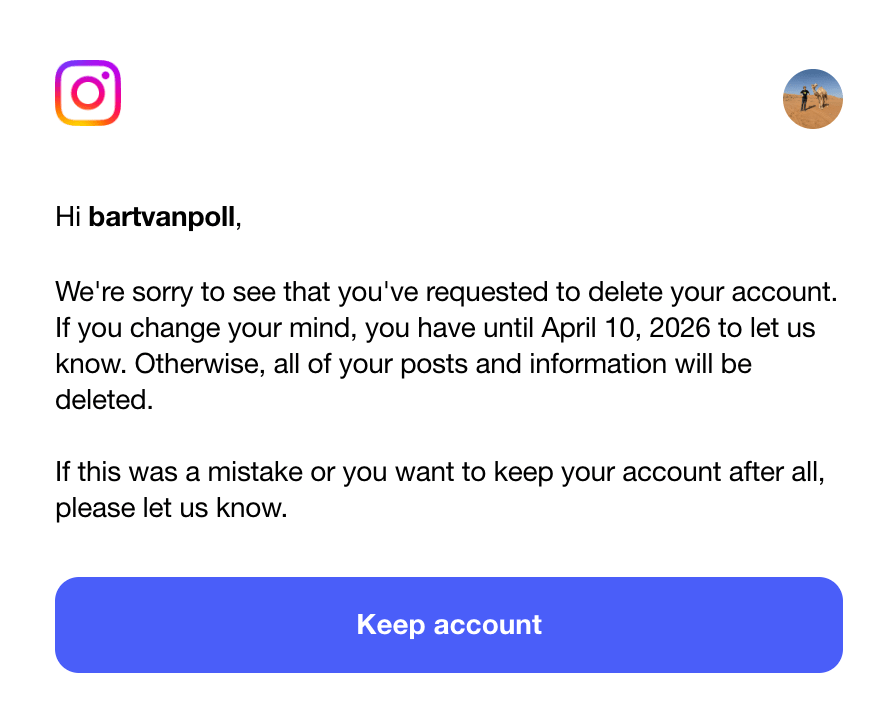
Before I told Facebook and Instagram to delete my profile, I manually deleted all my posts with pictures of myself. Probably unnecessarily paranoid, but it sure felt nice!
Replace WhatsApp with Signal
Signal is (a non-profit) based in the U.S., but it meets my conditions: they don’t know anything about me. Unlike WhatsApp, Signal doesn’t have access to something that I think is very sensitive data: my contact list. So they can’t build a profile of me. Like on WhatsApp, messages are encrypted but Signal goes (a lot) further.
A year ago I informed the members of 3 WhatsApp groups I was an active member of, that I’ll quit WhatsApp and replace it with Signal. It took me another year to actually remove my profile.
In one group (with 20 friends I’ve known since my student days) some people ridiculed me, but eventually everyone installed Signal. It took a month or three and some friendly reminders for my family to do the same.
No, many people are still not on Signal but if every Signal user convinces a few of their friends to switch (my recommendation: start with a group) Signal can become as big as WhatsApp very rapidly!
For me, after a year, enough people switched for me to make the move.
Remove Instagram
This was a difficult one for me. I was not super-user of Instagram, but I very much enjoyed posting the rhythm of the posting schedule I forced myself to adopt to avoid over-using: once every time I was in another country.
My Instagram feed had become a nice list of moments of the last 15 years or so. And it was painful to delete. Sometimes I miss posting, or seeing what some people are up to. But I’m very happy to no longer have the habit of scrolling through my feed when I am waiting or bored totally losing track of time or of what I was doing…
Sometimes I pick up my phone out of habit, but without any social media apps on my phone, there’s really not much to do there…
Step 4: Quit Amazon
I closed my Amazon account, which was surprisingly simple (after reading about the intentionally complex cancellation process internally nicknamed “Iliad”).
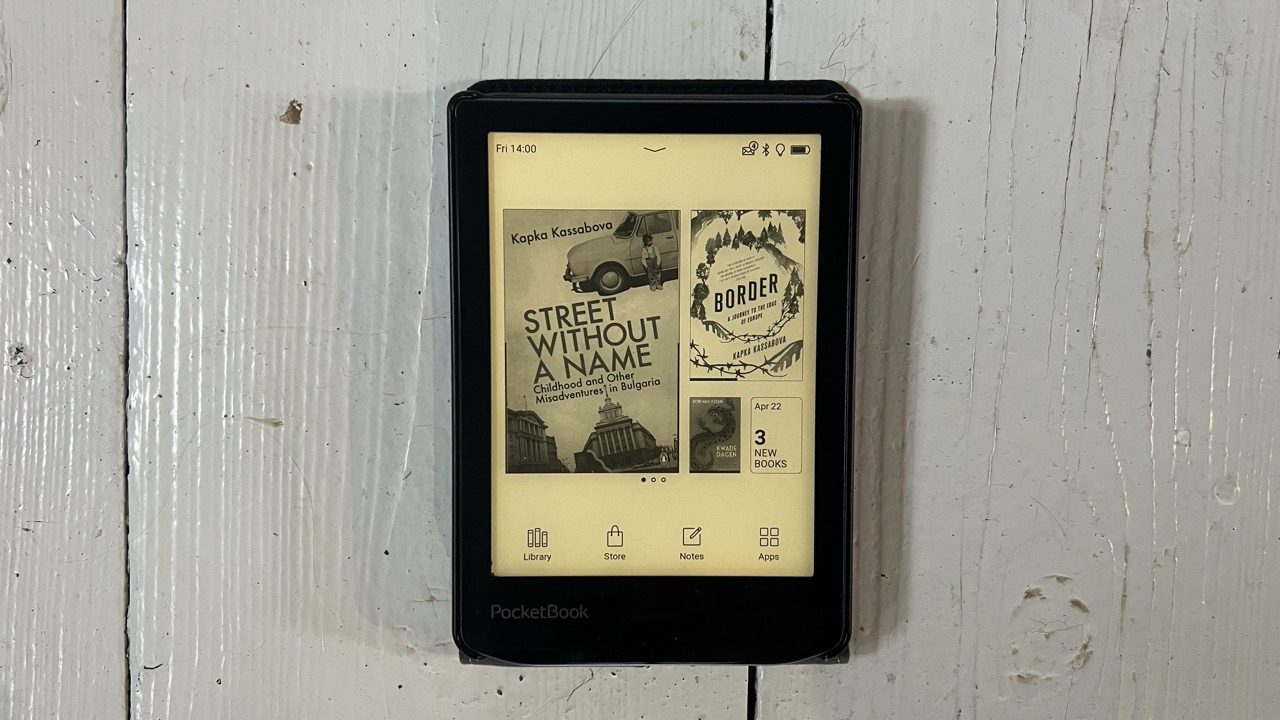
I used to have a Kindle, but now I bought a (Swiss) Pocketbook e-Reader, which is said to be one of the best in terms of privacy. It has a good battery, works fine for reading, but be warned: it is not super fast and has an absolutely terrible user interface – even basic functions I still have a hard time finding…
We haven’t had a TV for more than 15 years now. So I was never too tempted to get an Amazon Prime or Netflix account.
Step 5: Stop using US AIs for personal topics
Every time we ask a question on Google (Gemini), ChatGPT or other big American AIs, it’s sent to American servers whose owners can be compelled to share this information. Also when you use it in a “private session”.
I quit my ChatGPT account (check Rutger Bregman’s article for some other good reasons to do so). And I’m only using my (paid) Claude and Google Gemini accounts for business use, never for personal topic.
I’m currently using Lumo (as part of my paid Proton account). It doesn’t use my data to train its models and doesn’t keep any logs. Also important: for me it works as well as ChatGPT did – it also includes “projects” etc.
Also, I’m experimenting with a 100% offline AI app on my Mac & iPhone – fueled by Chines models like Qwen and DeepSeek. China 😱? Since they run locally on my device, no data leaves my computer, regardless of where the model was trained.
Step 6: Use a VPN
You should use a VPN for many reasons. Before I moved to Proton (the paid plan includes a superb VPN), I used NordVPN which was very good too.
What about Apple? And LinkedIn?
Get rid of my Mac and iPhone?
I use a Mac and an iPhone. Although Apple is generally considered to offer much stronger default privacy protections than Google (Android), Apple Inc. still knows a lot about me and this data is available on Apple’s servers.
There are alternatives to Google and Apple phones and computers, but they come with significant limitations and often require technical expertise. I’m installing Linux on my old Mac. It’s fun, but I am also hitting quite a few walls. For me getting rid of all my Apple devices is a bridge too far, for now.
What I’m doing in the meantime to minimize exposure:
- Not using iCloud to save pictures or any personal data
- Turned on “Advanced data protection” so Apple has no access to data
- Not using Apple Pay at all
But you’re still on LinkedIn!
“From a privacy and data ethics perspective, there are very concrete, documented reasons to quit. The platform operates on a business model that is fundamentally at odds with the privacy principles you seem to value (avoiding U.S. servers, minimizing data collection).” says my AI assistant, Lumo. Ouch.
For the moment, LinkedIn is too important for me professionally. What I am doing to minimize risk is not enough, but it’s a start:
- Only post professional content – never things I want to keep private. I deleted many posts
- Turned off all data sharing and ad personalization in settings.
- Disconnected my contacts (Google & Phone)
- Removed LinkedIn app from phone.
This article contains an affiliate link to Proton – a service I use for email, storage, VPN and AI. If you join via this link, you can try all paid features for free and get US$20 off (and I get a bonus too).
