
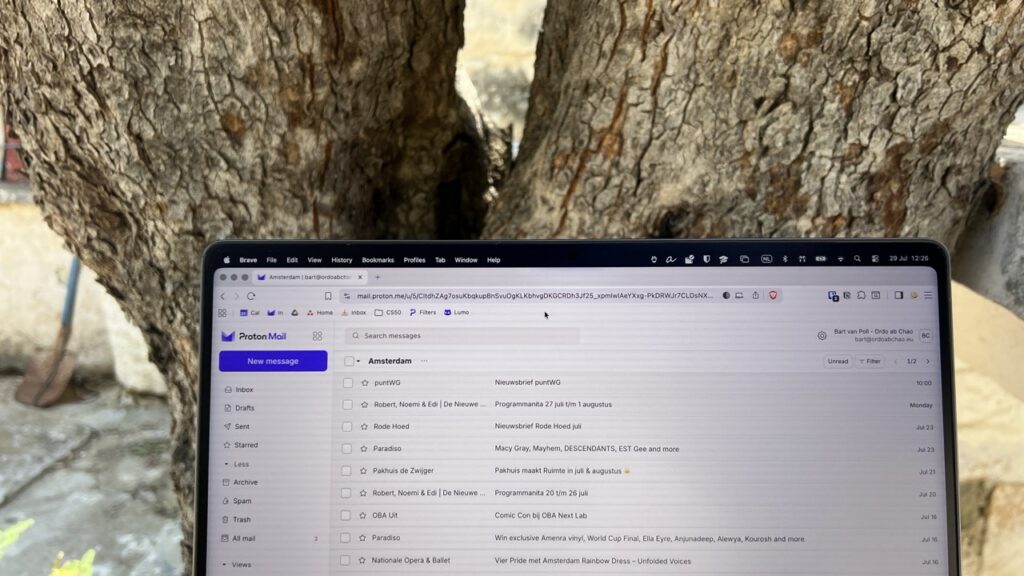
I used to check and answer my email at least 50 times a day. Multitasking by checking email regularly is one of the best things you can do to fry your brain….
It was difficult to change this habit, but when I finally did it it made me so much more productive and creative.
Now I do so just twice a day. And I have 90% fewer emails to check than I did before. It took me 2 hours to set up.
Step 1: Set up filters
I went through the last 3 months of emails to gather email addresses that send me recurring emails that I don’t have to check immediately.
- Automatically remove newsletters (and other emails from senders that I know can wait) from my Inbox and
- Put them in relevant folders (“label” in Gmail). I check these folders once a week, or (much) fewer. See step 3.
Step 2: Unsubscribe from spam / uninteresting stuff
While I was doing the above, I immediately unsubscribed from uninteresting newsletters & spam. I keep this up. Whenever I get an email that is spam, I flag it immediately. When I get an email from a sender that I no longer find interesting, I unsubscribe.
Step 3: Set up triggers to check folders
I set up a recurring task in my task manager (you can also use your digital calendar) for a day when I have the time and mind space to focus on this topic. For example, Friday is my weekly brainstorming day. That’s when I read my newsletters (or send them to my e-reader to read over the weekend).
And my trigger to check emails in the “Amsterdam” folder (with many emails about cultural events going on) is when I travel to my second hometown Amsterdam. I don’t see these emails earlier, so they can’t distract me!
When I’ve worked through my Amsterdam / Athens folder with cultural events, I delete all messages as they’re no longer relevant. Saves a lot of space!
This step took me 1.5 hours.
Step 4: Discipline yourself!
I made it a habit to only check my emails once in the morning and once at the end of the day. If somebody has something super urgent, they can call me (hardly ever happens).
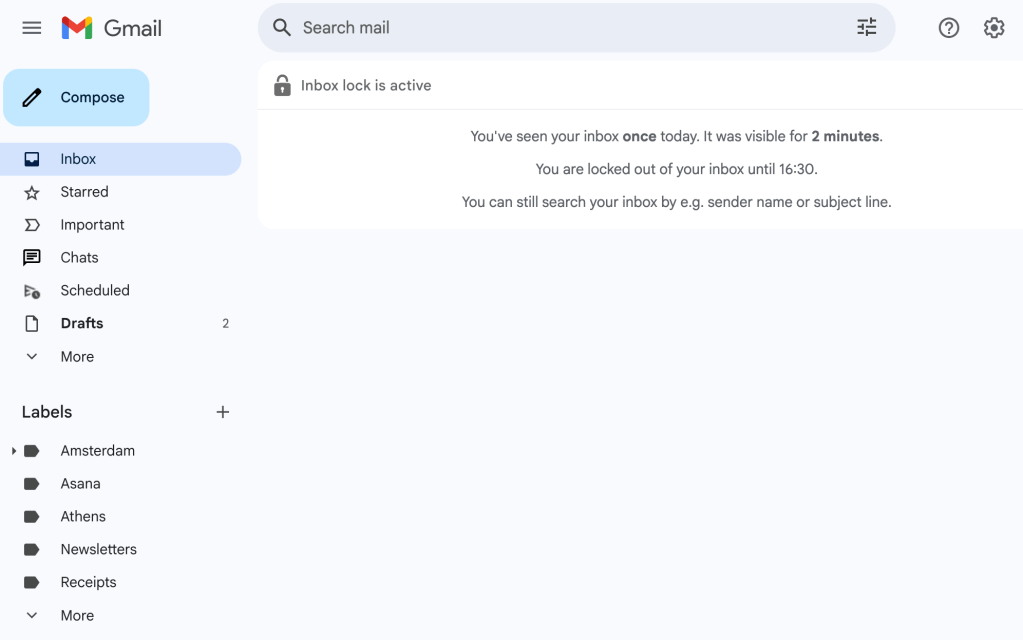
In the beginning (or when I relapsed) I downloaded a browser extension* that blocked my inbox at specified times (like “Inbox when ready” – the free version puts a small message in your email signature)
Bonus: the “cleanup” filter
Separately, I also set up a filter “Cleanup”. Emails from senders that I don’t need to keep forever, are tagged automatically with this label. Every month or so I clean all these emails to keep my email box compact. I’ve saved about 80% of space – very useful if you have a free account with limited space.
* I wish there was an email client that can be set up to receive emails only twice a day (but send emails always). That would be the perfect solution. If you know of one, please let me know!
Discover more from Bart van Poll (Ordo ab Chao)
Subscribe to get the latest posts sent to your email.